


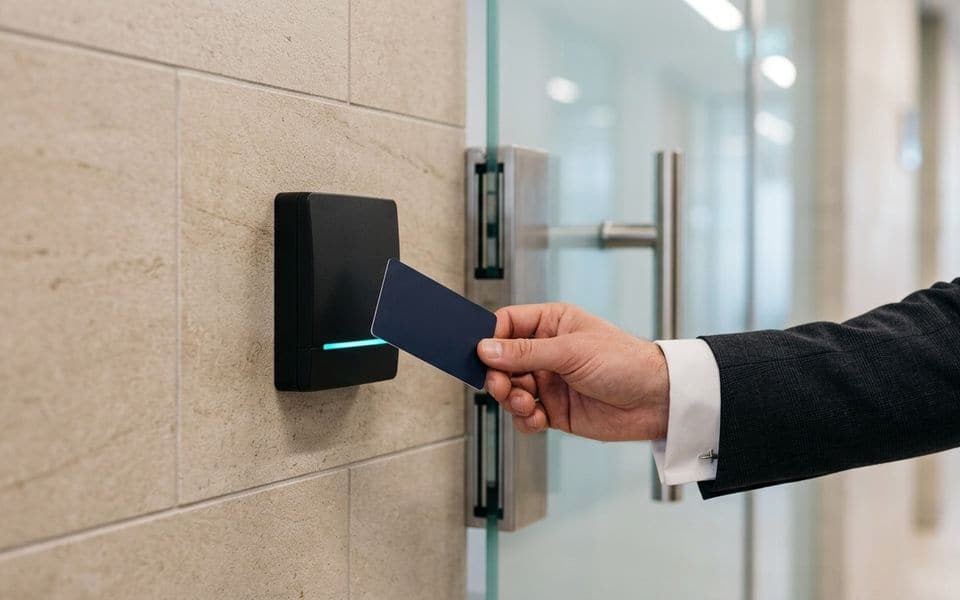
SEC-02 · Security & access
Access control and time attendance in Saudi Arabia: who goes where, and proof that they did
A door controller is the easy part. The design work is in the credential, the reader link, the lock hardware and what the door does when power or the fire system says otherwise.
Credentials: the part that gets copied
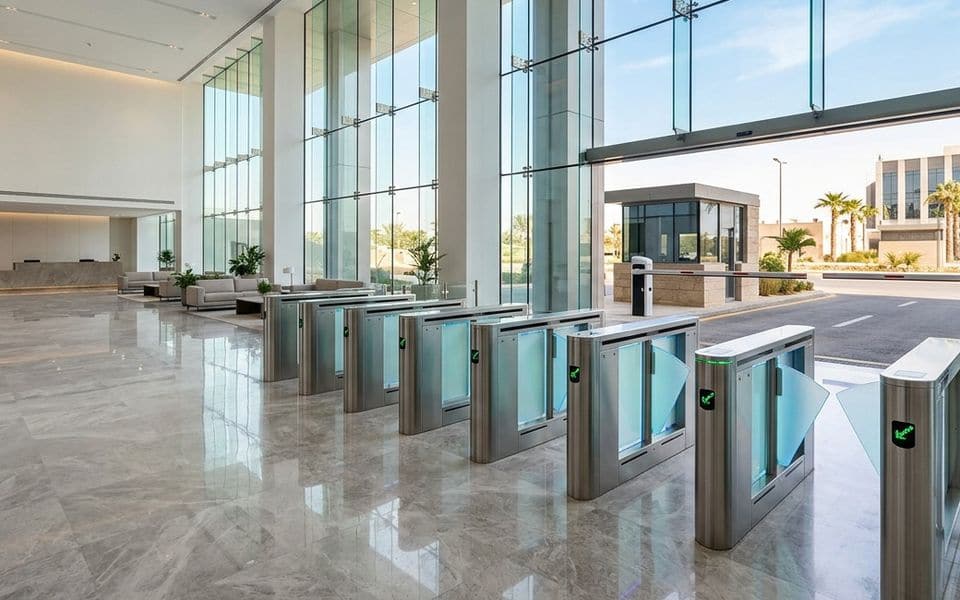
Many buildings still run on 125 kHz proximity cards. Those cards transmit a fixed number with no encryption, and inexpensive tools can read and clone them from a short distance. Older MIFARE Classic cards are better but their encryption has been broken for years.
| Credential | Security | Use today |
|---|---|---|
| 125 kHz proximity (EM, Prox) | No encryption, easy to clone | Replace when possible |
| MIFARE Classic | Proprietary crypto, publicly broken | Legacy only |
| MIFARE DESFire EV2 / EV3 | AES-128, diversified keys | Recommended baseline |
| Mobile credentials (BLE/NFC) | Depends on platform and key management | Good where phones are accepted |
Security also depends on who holds the keys. If the card programme uses a manufacturer's default keys, the card type matters less. We define a site key strategy and who controls it before cards are ordered. Where a site has thousands of legacy cards, we plan a dual-technology migration rather than a single cut-over day.
Readers: types and placement
The reader is the part users touch every day, so its choice affects convenience as much as security. Card readers are the baseline; PIN keypads add a second factor for sensitive rooms; fingerprint or face readers suit places where cards are lent or lost; mobile readers support phone credentials; long-range readers serve vehicles at gates. Our note on access cards explains the card side in more detail.
- Choose a reader that reads your chosen credential, and a multi-technology one where old and new cards must coexist during migration.
- Mount at a height and position that people reach easily, including users in wheelchairs, and keep it away from large metal surfaces that reduce read range unless the reader is made for it.
- Outdoors, specify the ingress protection and the temperature range for Saudi summers; direct sun and dust shorten the life of poorly rated units.
- Where biometrics are used, decide how enrolment, data protection and exceptions are handled before purchase.
Reader to controller: Wiegand vs OSDP
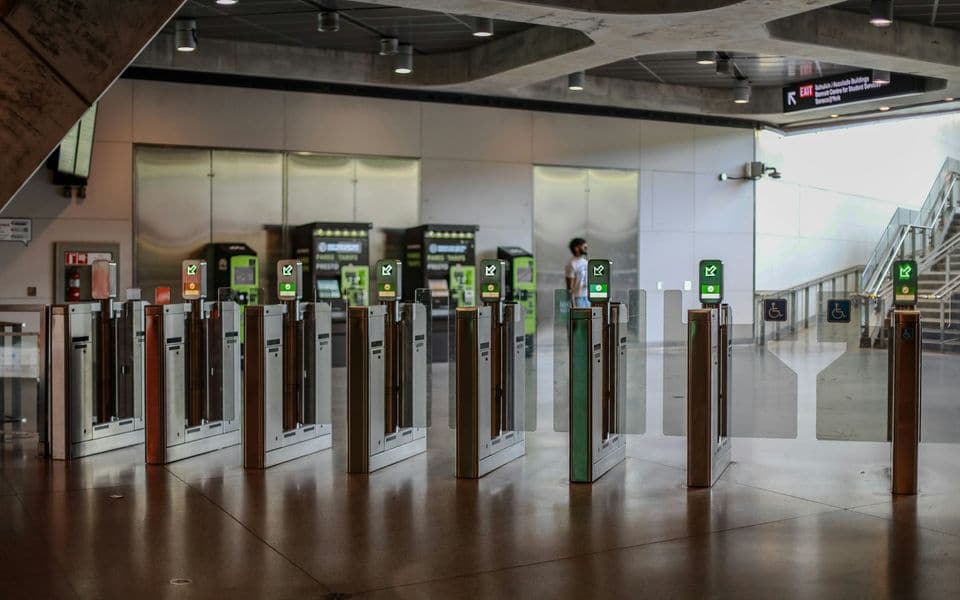
The wire between reader and controller is often the weakest link. Wiegand sends data one way, unencrypted, and the controller cannot tell if the reader has been removed or replaced. OSDP (standardised as IEC 60839-11-5) is two-way, supervises the reader, and with Secure Channel encrypts the traffic. On new installations we specify OSDP with Secure Channel enabled, and we confirm the controller and readers actually support it before approval.
Doors, locks and what happens when power fails
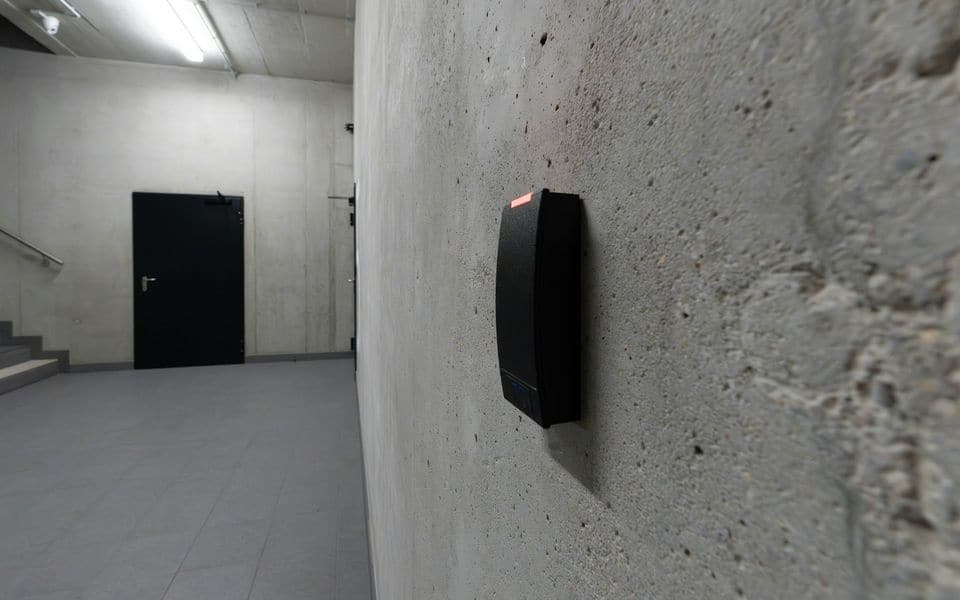
Every door gets a door schedule entry: lock type, fail mode, release devices, door position contact, request-to-exit and any interlock or anti-passback rule.
- Fail-safe locks release when power is removed. Magnetic locks are fail-safe by nature. They suit escape routes where the door must open in an emergency.
- Fail-secure locks stay locked without power and normally open mechanically from the egress side. They suit stores, IT rooms and perimeter doors that must stay secure during an outage.
Doors on escape routes must release on a fire alarm signal. We don't install fire alarm systems; we design the release interface and coordinate it with your fire-alarm contractor and the approving authority, then witness the release test with them.
A locked door that won't open in an emergency is a life-safety failure. The fail mode is decided per door, in writing, before installation.
Door hardware that works with electronics
Most door problems blamed on access control are really door hardware problems. The lock has to suit the door, and the door has to close properly every time.
- Electric strikes suit mortice locks and frames, and are available as fail-safe and fail-secure.
- Magnetic locks are fail-safe and need a rigid frame, so they suit single doors on escape routes, but not for doors where an alignment problem would leave the door held shut.
- Motor and electric bolt locks fit heavily used, fire-rated or high-security doors.
- Door closers must close the door fully against wind and air pressure. A door that does not latch is a security fault whatever the system reports.
- Exit devices and hardware for escape routes always follow the approving authority's rules, not the access system.
The note on fail-safe and fail-secure helps choose, and our view of smart locks covers when battery-powered locks are enough.
Controllers and networking
The controller makes the decision at the door. A good design lets it do so even when the network or the server is down: users, schedules and rules are stored in the controller, and events are held until the link returns.
- Use IP controllers on a separate VLAN, with encrypted communication to the server.
- Provide a power supply with battery backup for each controller group, and monitor its alarms.
- Wire door contacts, request-to-exit and tamper inputs back to the controller, not to the lock power supply.
- Limit the controller count per cabinet so a single fault does not close a whole floor.
- Keep the server on a protected network with managed administrator accounts, patching and backups.
Cabling is planned with the door schedule, so each door has the right number of cores for reader, lock, contacts and exit device.
Integration and records
Access events become far more useful when linked to video: a door-forced alarm that opens the camera view of that door saves minutes. Other common integrations are HR or Active Directory for joiners and leavers, visitor management with pre-registration and badge printing, lift destination control, and car park access with ANPR.
We set up the system so people leave it when they leave the organisation. The most common audit finding on access control is active cards belonging to former staff.
Attendance, visitors, cameras and intercom
An access system already knows who passed where, so it can serve other functions without a second set of devices.
- Time attendance: reader events feed shift rules, lateness and overtime. Clear policies on breaks, grace periods and manual corrections come first, so the data can be trusted by HR and by employees.
- Visitors: pre-registration, a host notification, a time-limited badge and automatic expiry at the end of the visit.
- Cameras: an event opens the matching view and a clip is bookmarked. See video surveillance.
- Intercom: a call from an entrance station releases the door from a phone or a desk. See intercom and door entry.
- Vehicle entry: barriers and ANPR share the user database. See entrances, barriers and parking.
Sizing a system
Sizing starts from the door schedule and the people, not from a device count.
| Question | Why it matters |
|---|---|
| How many doors, and how many are on escape routes? | Sets controller count, lock type and the fire interface |
| How many users and visitors a day? | Sets licences, card stock and enrolment effort |
| What is the peak flow at the main entrance? | Decides between a swing door, a turnstile or a speed gate |
| How long must events be kept? | Sets database size and backup arrangements |
| Will more doors be added later? | Sets spare capacity in cabinets, power and licences |
Commissioning checklist
Before an access system is handed over, each door is tested and signed:
- Valid, invalid and expired credentials behave as set.
- The door contact, held-open and forced-door alarms report to the right screen.
- Request-to-exit releases the door without raising an alarm.
- Power loss gives the fail mode in the door schedule.
- Fire alarm release is witnessed with the fire contractor.
- Offline operation works and events upload when the link returns.
- Camera, intercom and attendance links are tested end to end.
- Administrator passwords are changed and the backup is stored.
Common mistakes
- Choosing the credential after the readers are bought.
- Leaving factory keys on the card programme.
- Fitting a magnetic lock on a door that also needs to stay secure in a power cut.
- Forgetting the request-to-exit, which makes the door raise alarms on every exit.
- No leaver process, so former staff keep working cards.
- No test of fire release after changes to the door or the fire system.
Access control questions we hear often
Can we keep our existing cards?
Often yes for a time. Dual-technology readers read old and new cards while users migrate. We plan the end date at the start so the old cards do not live on forever. Our note on types of access control compares the options.
Is a phone credential secure enough?
It can be, if the platform protects the credential and you control the keys. It also reduces card cost and replaces lost cards instantly. We specify it where phones are accepted.
What happens to doors when the network fails?
Doors keep working from the controller's memory, and events are stored until the link returns.
Can access control work with a fire alarm?
Yes. We design the release interface, and you or your fire contractor provide the signal. The release is tested together.
Do you work in all regions?
Yes, across Saudi Arabia, from Riyadh and Jeddah to Dammam, Makkah, Madinah and the other regions.
Our part, start to finish
What we do on a access control project
We select the equipment to fit your site: its doors, users, environment and budget. We design the system, install and commission it, and keep it working.
Design & consulting
- Door schedule with fail mode per door
- Credential and key-management strategy
- Reader, controller and cabling design (OSDP)
- Interfaces to fire alarm, CCTV, HR and lifts
- Audit of existing systems and card populations
Installation
- Controller, reader and lock installation
- Door hardware coordination with the joinery contractor
- Card programming and enrolment set-up
- Fire release and interlock testing, witnessed
- Operator training and handover records
Maintenance
- Quarterly door and lock function tests
- Battery and power supply checks
- Event log and user list reviews
- Firmware management
- Emergency call-out for door faults
Before you buy
Questions to settle first
These decide cost and performance more than the brand on the box. We work through them with you at survey stage.
- Which doors are on escape routes, and how must they behave in a fire alarm?
- What credential will you use, and who will own the encryption keys?
- Do you need anti-passback, interlocks or two-person rules anywhere?
- How will joiners, leavers and visitors be managed day to day?
- Should access events trigger camera views or alarms?
- What happens to existing cards during migration?
Works alongside
Related systems
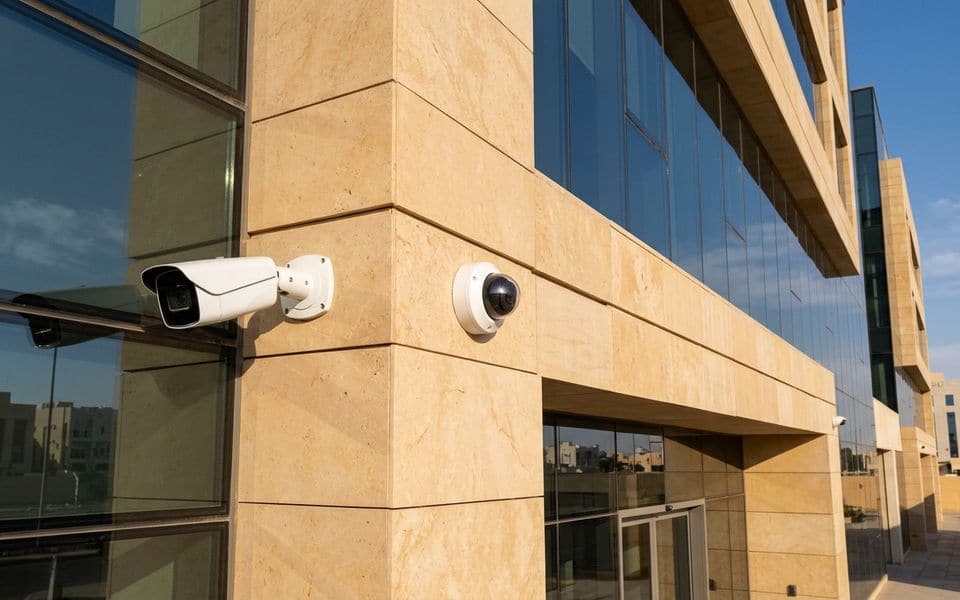
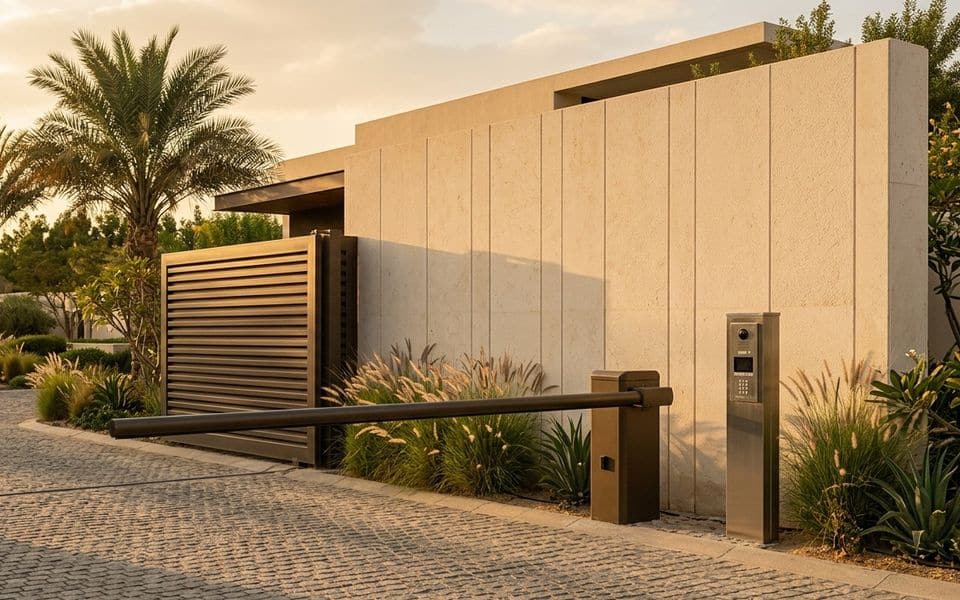
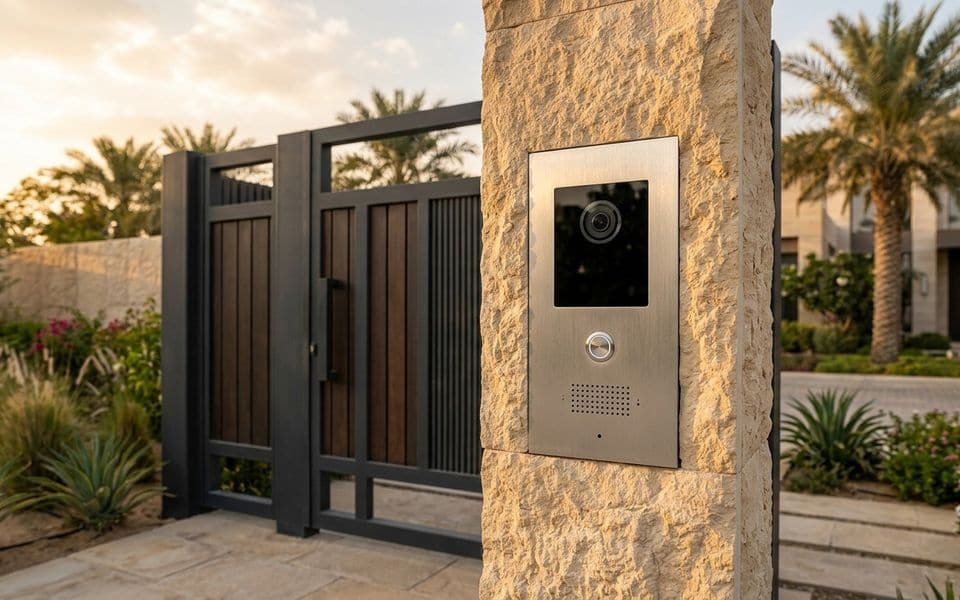
Gallery
Access control in context
Illustrations and computer-generated renderings show typical arrangements, not our projects; photographs are credited on the credits page. Select an image to enlarge it.
In Riyadh and across Saudi Arabia
Access control systems in Riyadh, Jeddah and across Saudi Arabia
Access control installation for buildings and companies in Riyadh and Saudi Arabia: card, fingerprint or mobile readers, turnstiles and speed gates at entrances, electric locks interfaced with the fire alarm, and software that decides who goes where and when. We design it to work with your CCTV and HR system where needed. We install access control for companies, factories and residential compounds, and link it to time and attendance where needed.
Common questions
Card, fingerprint or mobile credentials: which is better?
Cards are fast and cheap but can be lost or copied if the technology is old; fingerprints stop lending; mobile suits visitors and modern offices. Most sites combine them door by door.
Can access control feed time and attendance?
Yes, door events are exported to HR or attendance software, with defined attendance doors.
What does access control for companies need?
Defined doors and permissions by department and time, readers suited to each door, and management software with reports. Where wanted, access control and time attendance run from one database.
How do access control for factories and access control for residential compounds differ?
Factories bring dust, metalwork, hazard zones, visitors and contractors; compounds bring residents, visitors, workers, gates and parking, so readers and the permit process differ.
When is turnstile access control used?
When one person must pass at a time at high flow, such as main building and factory entrances, with a side gate for accessibility and emergencies.
Which card and biometric readers suit offices?
It depends on headcount, security level and the door environment. We often combine card and fingerprint for sensitive doors and card alone for general doors, using modern encryption that is hard to clone.
Which card and biometric readers for offices should I choose?
For card and biometric readers for offices we pair the reader with the door and the number of users, and keep the permissions in one program.
Which door access control systems do you install?
Door access control systems with card, PIN, biometric or mobile readers, plus a turnstile gate or speed gate where throughput matters. We design, install, programme and maintain them.
Manufacturers
Brands commonly specified in Saudi projects
- HID Global
- ZKTeco
- Suprema
- Paxton
- Honeywell
- Salto
- Assa Abloy
Names belong to their owners. Listing a brand shows the systems we design around; it does not mean a partnership or a dealership.