


BLD-01 · Building technology
Networks, Wi-Fi and wireless links in Saudi Arabia designed from measurements
Wireless problems are rarely solved by adding access points. They are solved by a survey, a capacity plan and channels that don't fight each other.
How a wireless network is put together
A Wi-Fi network is mostly a wired network with radios on the end of it. Access points are fed by cable from PoE switches in the comms rooms, the switches uplink to a core, and a controller or cloud-managed platform holds the settings, channels and power levels. Devices connect to a name (SSID), which is mapped to a VLAN so staff, guests and building systems stay apart. The radio side gets the attention, but the wired side decides whether it performs: a weak uplink, a congested switch or a slow authentication server will make good coverage feel poor.
Wireless links between buildings follow the same logic with a different medium. Two radios on masts create a bridge, and the quality of that bridge depends on a clear path, a good mounting and a sensible margin. We design the wired, radio and security parts together and test them as one system.
Wi-Fi: capacity first, coverage second

We design Wi-Fi for the number of devices and what they do, then confirm coverage. A ballroom with 500 guests streaming needs far more access points than its floor area suggests. A warehouse with handheld scanners needs reliable roaming more than speed.
The process: a predictive model on your drawings with the actual wall materials, a site check of the materials (concrete, glass, metal racks and decorative cladding all behave differently), a channel and power plan, then a validation survey after installation that shows signal, interference and roaming performance. You receive the heat maps.
The 6 GHz band (Wi-Fi 6E and 7) gives far more clean channels where regulations permit and client devices support it. Most sites still need 2.4 and 5 GHz for older devices and IoT.
Point-to-point and point-to-multipoint links

Wireless links connect gatehouses, remote buildings and perimeter cameras where trenching isn't practical. Link design checks line of sight and Fresnel zone clearance (we keep at least 60% of the first Fresnel zone free of obstruction), path loss, fade margin, and interference on the chosen band. Unlicensed 5 GHz suits most short links; 60 GHz gives high capacity over short distances; licensed microwave suits long, critical links.
Mounting is engineered too: masts and brackets that hold alignment in high wind, lightning and surge protection, and earthing.
Security and separation

Corporate, guest, IoT and security devices go on separate networks with appropriate authentication: WPA3 or 802.1X for staff, isolated guest access with a captive portal where needed, and restricted networks for cameras and building systems.
Choosing the Wi-Fi standard and band
| Option | What it offers | Points to check |
|---|---|---|
| Wi-Fi 5 (5 GHz) | Mature and widely supported | Limited efficiency in dense areas; end of the line for new projects |
| Wi-Fi 6 (2.4 and 5 GHz) | Better handling of many devices, lower latency, longer battery life for clients | Gains depend on clients also supporting it |
| Wi-Fi 6E (adds 6 GHz) | Many clean, wide channels, little legacy traffic | Regulatory status, client support and shorter range through walls |
| Wi-Fi 7 | Wider channels and multi-link operation | Few client devices yet; uplink and cabling must keep up |
For most buildings designed today, Wi-Fi 6 or newer access points are the sensible base, with cabling that can serve the next generation. Older sensors, printers and IoT devices still use 2.4 GHz, so that band is designed for coverage and the 5 and 6 GHz bands for capacity.
Capacity planning rules of thumb
These are planning figures for early budgeting; the predictive model and the validation survey provide the final numbers.
- Clients per access point: an office is commonly planned at 25–40 active clients per radio. High-density rooms like ballrooms, lecture halls and stadiums are planned at fewer clients per access point, often with directional antennas, because a shared channel is a shared resource.
- Cell size: smaller cells with lower power reuse channels better than one loud access point. Overlap is set for roaming, not for maximum signal.
- Signal targets: around -65 dBm or better at the edge of the coverage area for voice and video, with a clean signal-to-noise ratio. Warehouses and hospitals may need tighter targets for scanners and handsets.
- Wired side: every access point on a PoE port with enough budget, and uplinks sized for the busiest hour. Multi-gigabit ports are advisable where Wi-Fi 6E or Wi-Fi 7 is expected to carry a large load.
- Per-device bandwidth: we estimate by what people do: a video call, a stream or email each need a different share of the capacity.
Access point placement and cabling
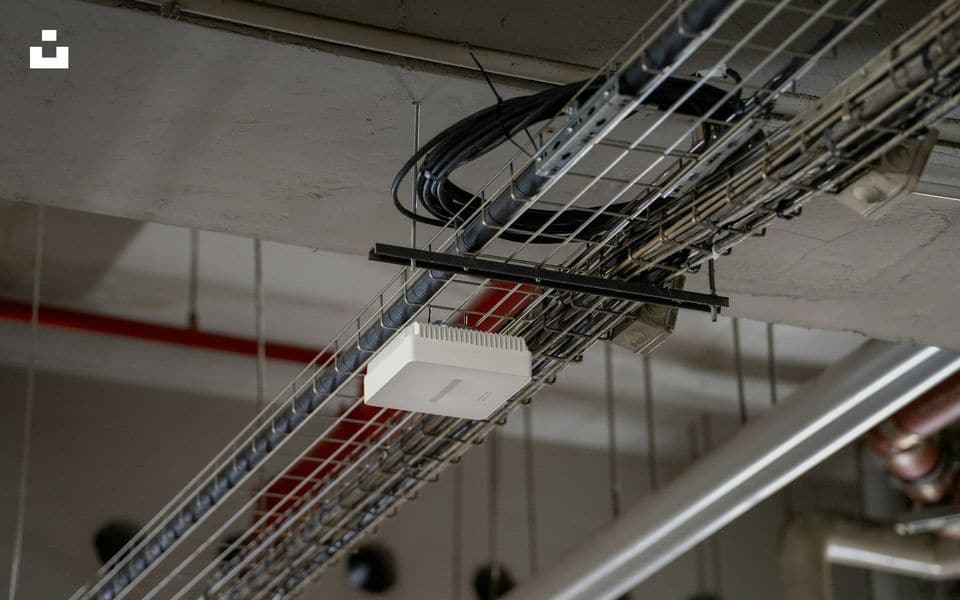
Where the access point sits matters as much as how many there are. Ceiling mounting in the open gives the best coverage in offices. In hotels, one access point per two or three rooms in the corridor often gives poor coverage into the rooms because walls and bathroom partitions absorb the signal; placing smaller access points inside or between rooms usually performs better. Outdoor access points need a weatherproof housing, proper antennas for the area and surge protection. We allow for cable routes, containment, labelling and a patch panel for every access point, using network cabling to the standard that matches the expected speeds. Our installation page describes how we run and test those cable routes.
Link technology options
| Option | Typical range | Strengths | Limits |
|---|---|---|---|
| Unlicensed 5 GHz point-to-point | Hundreds of metres to a few kilometres | Economical, fast to deploy | Shared band, interference possible, line of sight |
| 60 GHz point-to-point | Short, up to a few hundred metres | Very high capacity, narrow beams | Affected by heavy rain and misalignment |
| Licensed microwave | Several kilometres and beyond | Protected frequency, predictable | Licensing, cost and planning time |
| 4G/5G router | Wherever coverage exists | No mast, quick | Data plan, congestion, latency |
We choose the link from the path survey, the required capacity and how critical the service is. A single camera at a gatehouse does not need what a pair of buildings sharing a core network needs.
Integration with other systems
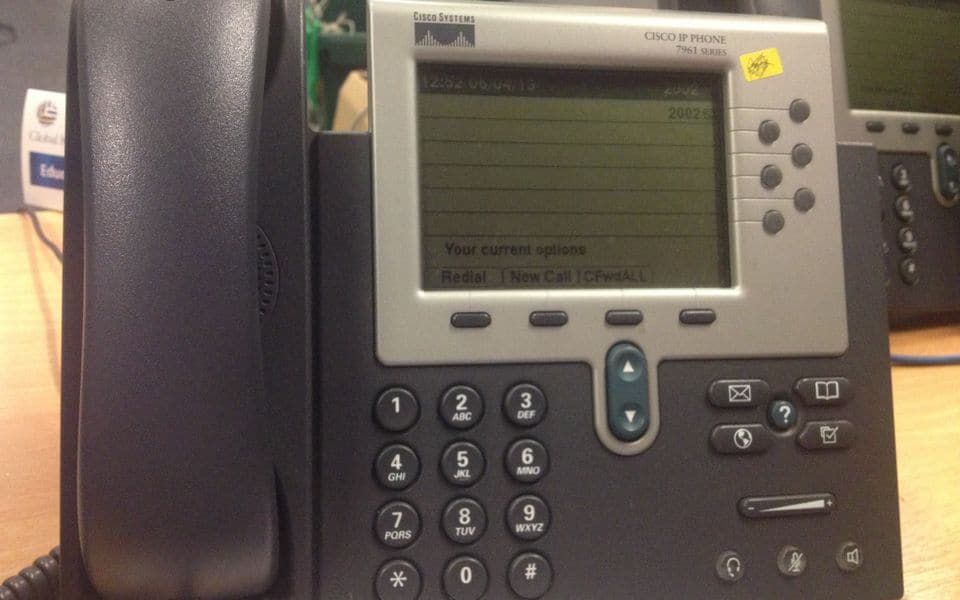
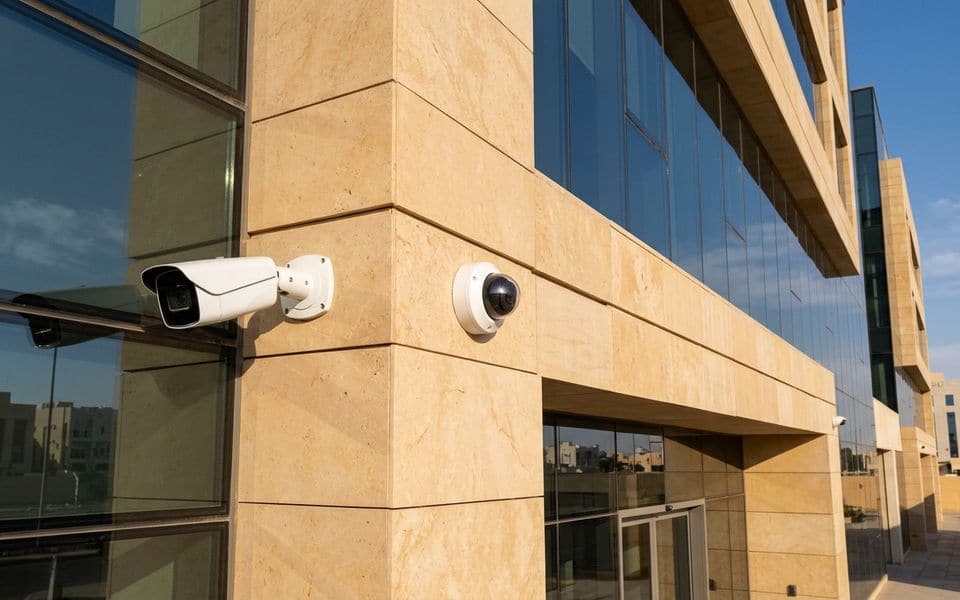
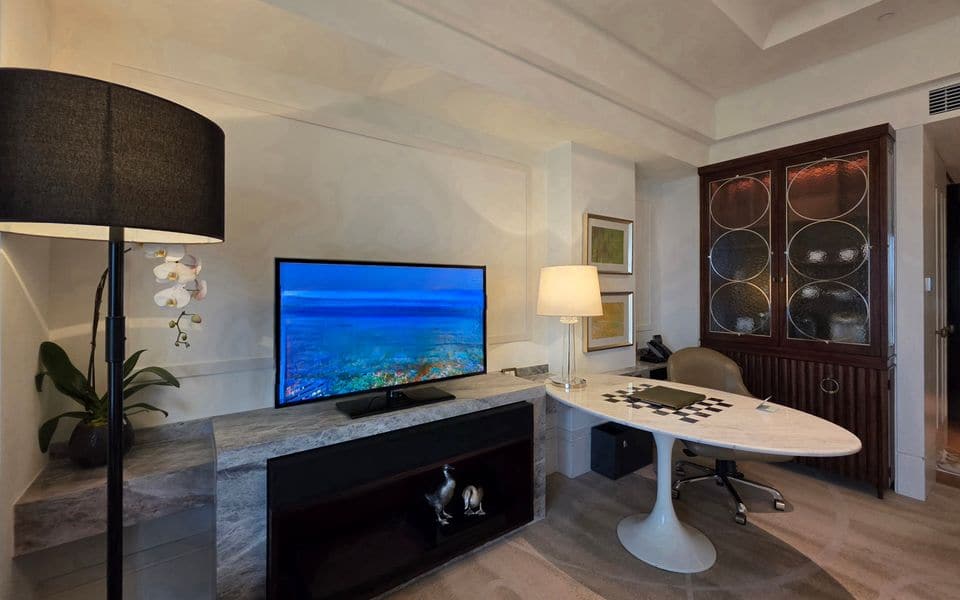
Wireless networks carry traffic for several other systems. Handsets in telephony need the voice quality settings and roaming described above. Cameras and links to remote points serve video surveillance, including units described in mobile solar surveillance. Hotel guest-room TV and streaming may share the infrastructure with IPTV. Smart-home devices on Zigbee, Matter or Wi-Fi are covered in smart home. Building systems should be kept on separate networks with their own rules, which is the subject of the next heading. All access points, switches and controllers need a power continuity plan, since a Wi-Fi network without power in the comms room is a network that is down.
Commissioning and handover checklist
- Validation survey showing signal strength, noise and channel use against the targets.
- Roaming tested while walking and, where relevant, with the actual handsets, scanners or vehicles.
- Throughput tested at several points and under load, not only at the access point.
- SSIDs, VLANs, firewall rules and guest portal tested from each user group.
- Link alignment, signal level and fade margin recorded for every wireless bridge.
- Power budget and uplink utilisation checked at the switches.
- Administrator accounts, configuration backups, heat maps and as-built drawings handed over.
- Management and monitoring set up, with alerts going to the named person.
Common mistakes and how to avoid them
- Adding access points to fix a problem: more radios on the same channels create more interference. Survey first.
- Every access point at full power: clients hear the access point but it cannot hear them. Lower power and plan cells.
- Ignoring the wired side: a 1 Gbps uplink shared by many Wi-Fi 6 access points becomes the bottleneck.
- One network for everything: a guest laptop should not be able to reach cameras or payment systems. Segment.
- Wireless link without a path survey: a tree or building in the Fresnel zone leads to unstable links. Survey and keep the clearance margin.
- No owner after handover: firmware and settings drift. Appoint someone or contract the work.
Maintenance and testing
Wi-Fi performance changes as people, furniture, tenants and neighbouring networks change. A planned visit reviews the controller dashboard, channel use and interference, client counts per access point, roaming failures and authentication logs. We apply firmware updates in a controlled way, back up the configuration, check the physical state of antennas, brackets and earthing on outdoor equipment, and re-measure the signal level of each wireless link. After a refurbishment or a change of tenant we repeat the validation survey for the affected area. Our maintenance service sets this schedule.
Our part, start to finish
What we do on a wireless project
We select the equipment to fit your site, not to clear a stock list. We design the system, install and commission it, and keep it working.
Design & consulting
- Capacity and coverage requirements
- Predictive design with real wall losses
- Link budgets and path profiles
- Network segmentation plan
Installation
- Access point and link installation
- Mast, bracket and earthing works
- Controller and SSID configuration
- Post-installation validation survey
Maintenance
- Performance and interference reviews
- Firmware management
- Link alignment and signal checks
- Fault response
Before you buy
Questions to settle first
These decide cost and performance more than the brand on the box. We work through them with you at survey stage.
- How many devices at peak, and what are they doing?
- Which areas need seamless roaming?
- What are the walls and ceilings made of?
- Is there line of sight between buildings for links?
- Who manages guest access and its terms?
- Which devices must stay on 2.4 GHz?
Frequently asked questions
Why is the Wi-Fi slow even though the signal bars are full?
Signal strength is not capacity. Slowness usually comes from too many clients on a channel, interference from neighbouring access points, a congested uplink or an old device holding the channel back. A survey and the controller data show which.
How many access points will a villa or an office floor need?
It depends on construction and use, not floor area alone. A villa often needs one per floor or per wing, and an open-plan office a grid. A predictive model on your drawings gives a firm number.
Can we use Wi-Fi for cameras?
For some cases, yes, such as temporary or hard-to-cable points. Fixed cameras are more reliable on cable, and wireless cameras need their own capacity planning and network. See video surveillance.
How do we keep guests off our internal network?
By giving them a separate SSID mapped to an isolated VLAN, with client isolation, internet-only access and a captive portal if you want terms and conditions or a voucher.
How long can a wireless link be?
It depends on frequency, antenna size and the path. Unlicensed 5 GHz links can span several kilometres with clear line of sight, but we design to the required capacity and margin, not to the maximum possible distance.
What happens to Wi-Fi when the power goes off?
Access points are powered from switches, so the switches and the comms room need battery or UPS backup if the Wi-Fi has to stay up. We size that backup for the time you need.
Gallery
Wireless in context
Illustrations and computer-generated renderings show typical arrangements, not our projects; photographs are credited on the credits page. Select an image to enlarge it.
In Riyadh and across Saudi Arabia
Enterprise Wi-Fi and network cabling in Riyadh, Jeddah and across Saudi Arabia
Wi-Fi design and installation for companies, hotels and warehouses in Riyadh, based on a site survey that fixes the number and position of access points, with structured cabling, tidy labelled network cabinets and wireless links between buildings where cable is impractical. We run fibre optic cabling and fit out server rooms and network racks (data racks) for villas and companies in Riyadh, Jeddah and across Saudi Arabia.
Common questions
Why is the Wi-Fi weak even with many access points?
Usually interference and poor placement. A survey sets the right positions and channels, and the count often goes down after design.
Do you do structured cabling for new buildings?
Yes, Cat 6 or 6A and fibre, with every outlet tested and documented before handover.
When do I need fibre instead of Cat6 cable?
For runs over 100 m between buildings or far floors, or when you need high speed and immunity to electrical interference.
What does a server room fit-out include?
A ventilated rack cabinet with power and a UPS, tidy numbered cabling and documentation.
What is structured cabling?
Infrastructure cabling and IT structured cabling are the organised copper and fibre runs, racks and patching that carry data to every point. We design, install, label and test them.
Manufacturers
Brands commonly specified in Saudi projects
- Cisco
- Aruba
- Ruckus
- Ubiquiti
- Cambium Networks
- MikroTik
Names belong to their owners. Listing a brand shows the systems we design around; it does not mean a partnership or a dealership.