

BLD-02 · Building technology
PBX and IP telephony systems in Saudi Arabia
A phone system still carries the calls that matter most: guests, patients, lift emergency lines and the reception desk. We design it with those calls in mind.
How a business phone system works
When someone dials your main number, the carrier delivers the call over a SIP trunk or a legacy line to the PBX. The PBX looks at the number dialled, the time of day and any rules you have set, and sends the call to a person, a group, an auto-attendant menu or voicemail. Handsets, softphones and mobile apps register with the PBX as extensions, and outgoing calls take the reverse path. Everything in between runs on your network, so the quality of a call is the quality of that network.
That is simple in principle, but the decisions are many: where the PBX lives, how many calls at once the trunks must carry, what happens when the internet or the building power fails, and which other systems need to place or receive calls. We work through these first, because they set the cost and the risk.
What a modern system includes

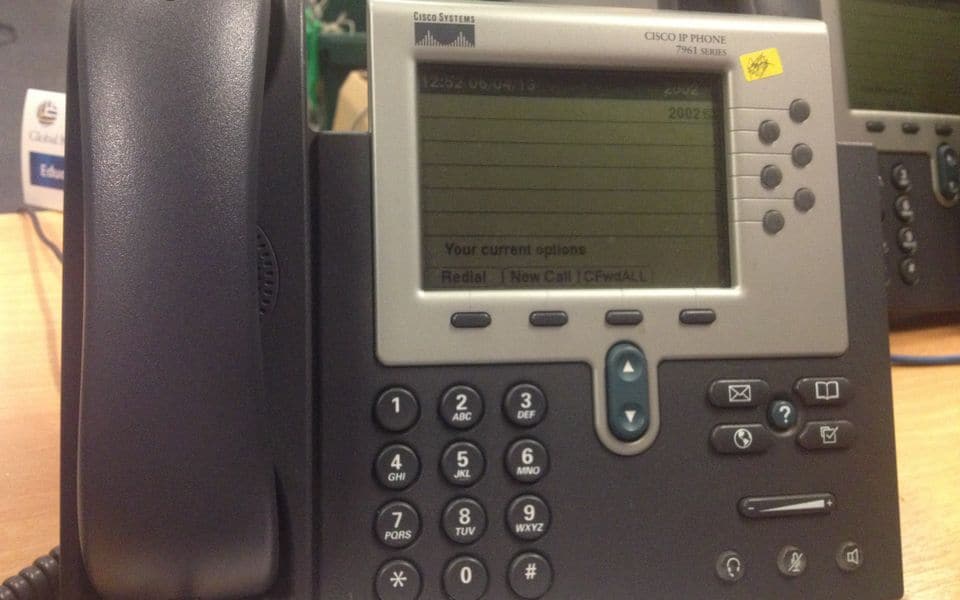
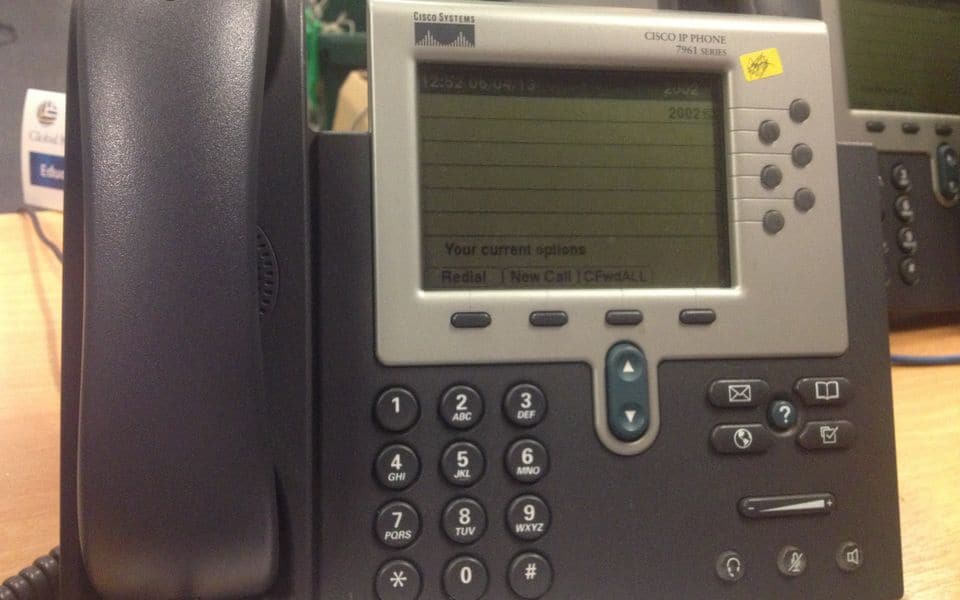
An IP PBX (on-premises or hosted) handles extensions, call routing, voicemail, call recording where lawful and required, and reports. External calls come through SIP trunks from a licensed local carrier, with analog or ISDN lines retained where a site still needs them.
Some lines must keep working when the data network fails: lift emergency phones, alarm communicators, and certain emergency lines. We identify those during design and give them a path that does not depend on a single switch or power supply.
Hotels and hospitals

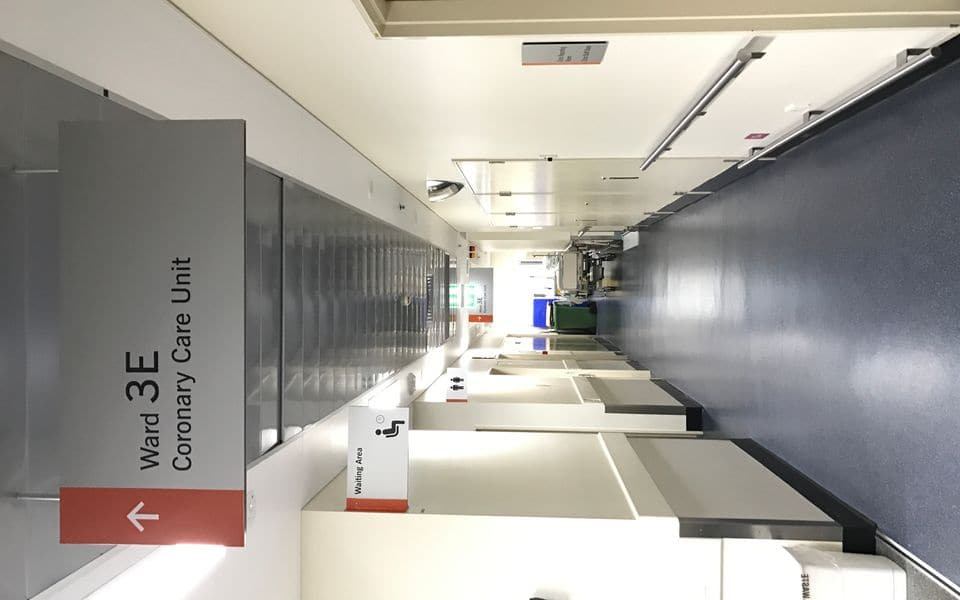
Hotel systems integrate with the property management system for check-in and check-out, room status, wake-up calls and call charging. Hospitals need fast internal paging, DECT or Wi-Fi handsets for staff on the move, and integration with nurse call so a patient call reaches the right person. We define each integration and test it with the system owner before go-live.
Hosted or on-premises PBX
| On-premises PBX | Hosted (cloud) PBX | Hybrid | |
|---|---|---|---|
| Where it runs | Server or appliance in your comms room | With a provider, reached over the internet | Local survivable unit plus a hosted service |
| Dependence on the internet | Low for internal calls | High, internal calls included | Medium |
| Integration with building systems | Direct, local and flexible | Depends on what the provider offers | Local integrations remain possible |
| Upfront cost | Higher | Lower, more recurring cost | Medium |
| Best for | Hotels, hospitals, large sites, sites with many integrations | Small offices, many small branches | Multi-site organisations with critical lines |
Hotels and hospitals usually choose on-premises or hybrid because the integrations and the need to keep lines alive during outages weigh heavily. Small offices often choose hosted for simplicity.
Trunks, numbers and lines
External calls come from a licensed local carrier. Planning covers how many simultaneous calls the trunks must carry (typically sized from the busiest hour and the number of users), which numbers are kept or ported, how a caller reaches a department after hours, and how emergency calls are handled. Direct inward numbers can be assigned to key people, while everyone else is reached through the main number. For critical sites we ask for two trunks from different paths, or one trunk plus a cellular backup gateway.
Analog lines are not gone. Lift phones, alarm communicators, fax machines and some emergency telephones still need them. Gateways convert them to SIP, with their own battery backup where the line must work during a power cut. We identify these lines at survey stage and keep a list of what depends on them.
Handsets and mobility
- Desk phones: powered over Ethernet, with the features the role needs, from a basic handset to a receptionist console.
- Softphones: apps on a computer or mobile, useful for hybrid working; they need a reliable headset and network.
- DECT: cordless handsets over a dedicated radio system, with good battery life and a clear voice; well suited to hotels, warehouses and wards.
- Wi-Fi handsets: use the building's wireless network, so that network must be designed for voice, as described in Wi-Fi and wireless links.
- Mobile extensions: a mobile app or a gateway makes staff reachable on one extension number wherever they are.
Network readiness and voice quality
Voice is sensitive to delay, jitter and packet loss. As a planning figure, one call uses about 80–100 kbps of network capacity each way with the common codecs, and the total depends on how many calls run at once. The bandwidth is rarely the issue; the issue is priority. We place phones on a voice VLAN, apply quality-of-service marking and queueing at the switches and the router, give phones PoE with enough budget, and check that the internet link has the capacity and stability if calls go outside through a hosted provider. Where wireless handsets are used, roaming between access points must complete without dropping a call.
Survivability and power
A phone system must work when other things fail. We write down which extensions and lines must survive a network failure, a power cut, a server fault and a lost trunk, and design for each: local survivability units at branches, analog fallback lines on critical extensions, a second trunk path, and battery or UPS power for the PBX, the core switch and the PoE switches serving the handsets. Without this, a power cut can disconnect the reception desk and the lift phones at once. The wider approach is covered under power continuity.
Integration with other systems
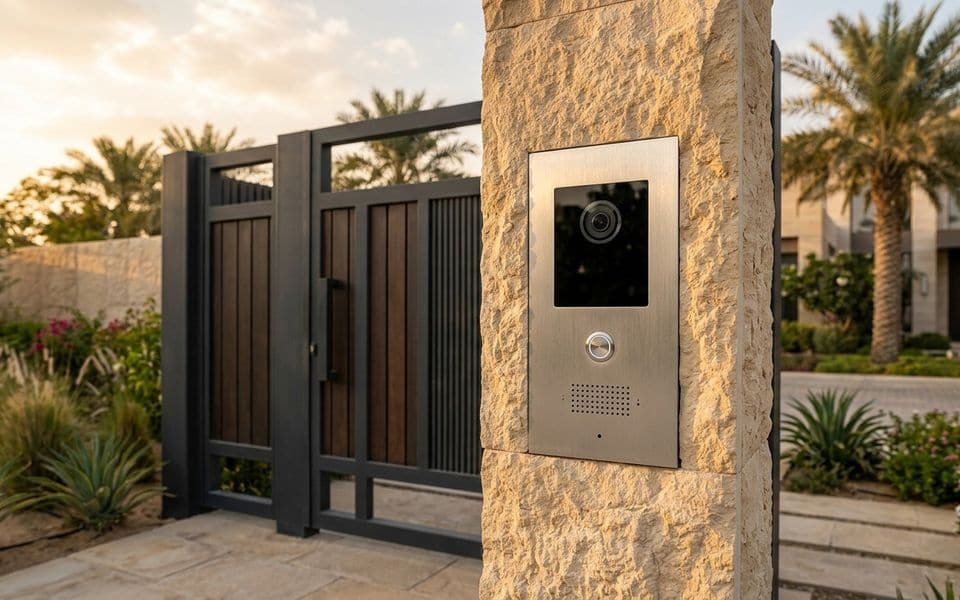
A phone system becomes more useful when it talks to the rest of the building. Intercom stations can ring desk phones and be answered like any call, and the same extension can open the door. Nurse call can deliver patient calls to DECT or Wi-Fi handsets. Public address can be paged from a phone. In hotels the property management system exchanges check-in, room status, wake-up calls and charging with the PBX. Wireless networks carry the mobile handsets, and video surveillance alerts can ring a guard's phone. Each integration is defined in writing, tested with the system owner and documented.
Commissioning and handover checklist
- Every extension called internally and externally, with audio checked in both directions.
- Inbound and outbound calls tested on each trunk, with caller ID and number format correct.
- Call flows tested: hours, after-hours, holidays, queues, hunt groups and voicemail.
- Behaviour tested during a network, power and trunk failure, compared with the survivability plan.
- Emergency calling and lift or alarm lines tested end to end.
- Integrations (PMS, nurse call, intercom, paging) tested with the system owner.
- Call recording, where used, checked for retention and access rules.
- Directory, user guides, administrator accounts and backups handed over, with training for the receptionists and the administrator.
Common mistakes and how to avoid them
- Leaving voice on the default network: voice with no priority breaks up whenever someone downloads a large file. Use a voice VLAN and QoS.
- Forgetting analog dependencies: lifts, alarms and gates may be wired to old lines. List them at survey stage.
- A single trunk for the whole site: one failure removes all external calls. Provide a second path where the risk justifies it.
- No plan for moves and changes: staff turnover leaves wrong names on directories. Agree who maintains the system.
- Underestimating recording rules: recorded calls have legal and privacy requirements. Define the basis before enabling.
- Skipping end-user training: transferring a call or using voicemail is a common source of complaints. Train the receptionists first.
Maintenance and testing
A planned visit covers backup of the PBX configuration, software updates in a controlled window, checks of the trunk status and call quality reports, tests of survivability and fallback lines, battery checks, and a review of unused or wrongly set extensions. Moves, adds and changes are handled as requests: new users, departures, group changes and holiday schedules. Reports show where calls are lost or abandoned, which helps adjust the routing. Our maintenance service covers the scheduled and the on-request work.
Our part, start to finish
What we do on a telephony project
We select the equipment to fit your site, not to clear a stock list. We design the system, install and commission it, and keep it working.
Design & consulting
- Extension, trunk and routing plan
- Survivability for critical lines
- Integration design (PMS, nurse call)
- Network QoS requirements
Installation
- PBX, gateway and handset installation
- Programming of call flows and IVR
- Number porting coordination with the carrier
- User training
Maintenance
- Moves, adds and changes
- Backup and software updates
- Trunk and quality monitoring
- Fault response
Before you buy
Questions to settle first
These decide cost and performance more than the brand on the box. We work through them with you at survey stage.
- Which lines must work when the network is down?
- Hosted or on-premises, and why?
- Do you need call recording, and on what legal basis?
- Which systems must the PBX talk to?
- How many staff need mobile handsets?
- Who handles moves and changes after handover?
Frequently asked questions
Should we choose a hosted or an on-premises PBX?
Hosted suits small offices and many small branches. On-premises or hybrid suits hotels, hospitals and sites with many building integrations or lines that must survive an internet failure. We help compare the two from your requirements.
Can we keep our existing phone numbers?
Usually yes, through number porting with the carrier. We coordinate the timing so there is a planned switch-over rather than a gap.
How many external lines do we need?
It depends on the number of users and the busiest-hour call volume, not on the number of extensions. We size trunks from your call patterns and leave room for growth.
Can staff take office calls on their mobiles?
Yes, with a mobile app or a gateway that makes the mobile an extension of the PBX. Calls can ring the desk and the mobile together or in sequence, and business calls stay separate from personal ones.
What about call recording?
It can be done where lawful and required, with clear notice, retention rules and restricted access. We define who may listen and how long recordings are kept before enabling it.
What happens to the phones when the power or the internet fails?
That is set by the survivability design. Critical extensions can fall back to analog lines or a cellular gateway, and the PBX and switches have battery or UPS backup. We test those fallbacks at handover.
Gallery
Telephony in context
Illustrations and computer-generated renderings show typical arrangements, not our projects; photographs are credited on the credits page. Select an image to enlarge it.
In Riyadh and across Saudi Arabia
IP PBX and desk phones for companies in Riyadh, Jeddah and across Saudi Arabia
IP PBX and desk phone installation for companies, hotels and clinics in Riyadh, Jeddah and across Saudi Arabia: extensions, auto-attendant, call recording where permitted, integration with intercom and paging, running over the existing network. We link branches to one IP PBX in Riyadh, so branches call each other on internal extensions as if in a single building.
Common questions
Can I answer my office phone on my mobile?
Yes, through an app that links the office number to the mobile, with call forwarding outside working hours.
Do IP phones need new cabling?
They run on the data network, so the existing network usually suffices after a check, with extra outlets added where needed.
How are company branches linked to one PBX?
Through a central IP PBX, SIP trunks and a secure network between branches, so extensions work across them.
Does the PBX work with desk phones and mobiles?
Yes, desk phones and mobile apps register on the same PBX.
What is a VoIP phone and how does it differ from an ordinary telephone?
A VoIP phone (VoIP telephone) makes calls over the data network instead of a dedicated phone line. It works with a company switchboard, extensions and call routing; we design the network so voice stays clear, then install and configure the system.
What is a PBX phone system?
A PBX phone system (PBX system) is the company switchboard that routes calls between extensions and outside lines. We design, install and configure it with the network behind it.
Manufacturers
Brands commonly specified in Saudi projects
- Yealink
- Grandstream
- Cisco
- Avaya
- 3CX
- Mitel
Names belong to their owners. Listing a brand shows the systems we design around; it does not mean a partnership or a dealership.