

BLD-05 · Building technology
IPTV and hospitality TV
Guests expect a familiar channel list, their own streaming apps and a TV that works the first time. Operators expect a system they can manage from one place.
How it fits together

An IPTV system receives satellite or terrestrial channels at a headend, converts them to IP streams and distributes them over the network to TVs or set-top boxes. Multicast means one stream serves every viewer of a channel, but only if the switches are configured for it (IGMP snooping and a querier). A network that isn't configured this way floods every port with every channel; that's the most common cause of IPTV failures.
Hospitality features

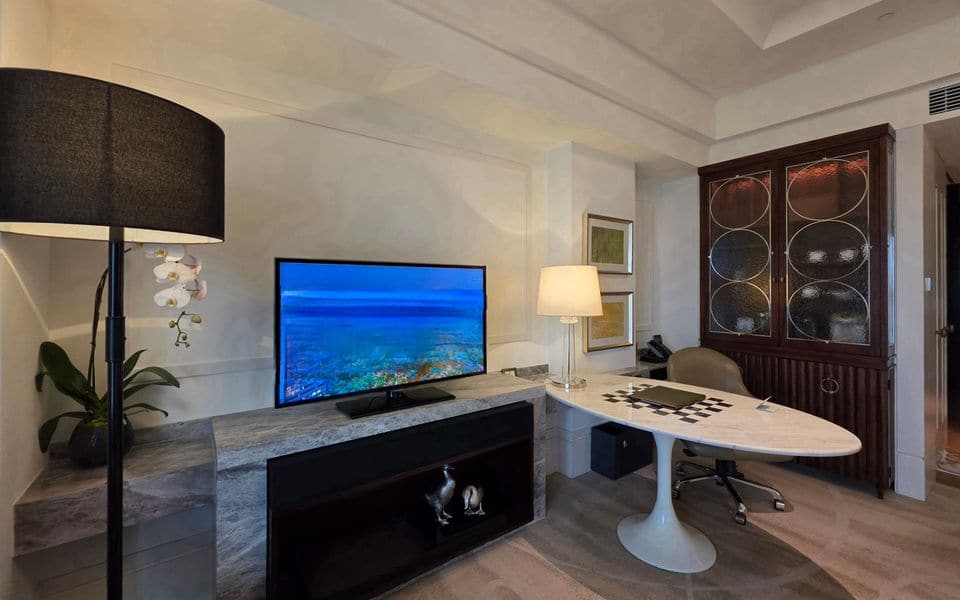
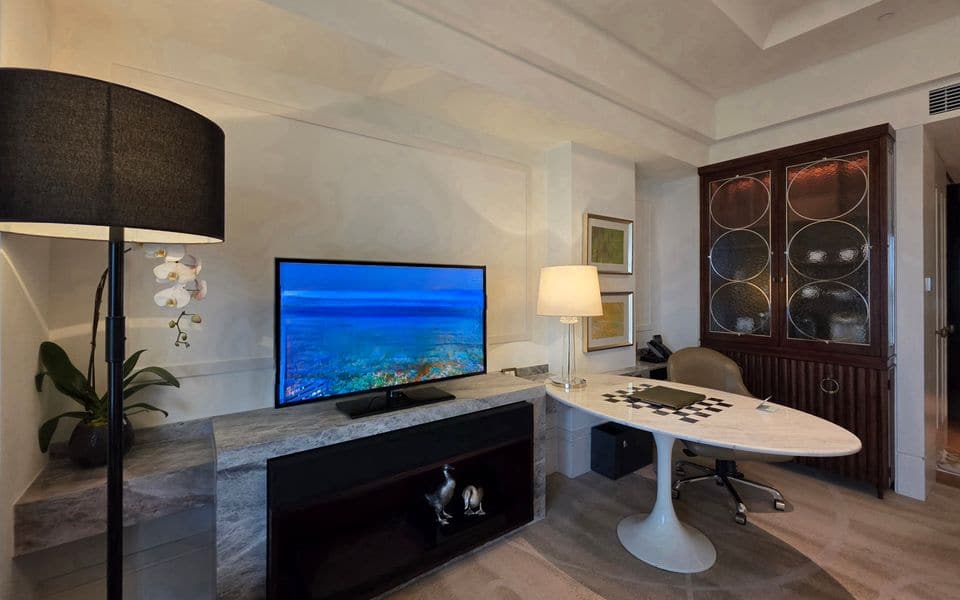
Hotel systems add a welcome screen with the guest's name from the PMS, hotel information, room service menus, secure casting from guests' phones that resets at check-out, and the hotel's own content. Channel rights and licensing for public display are the operator's responsibility; we highlight them early so the channel plan matches what the hotel is licensed to show.
How the system works end to end
IPTV is used in hotels and serviced apartments, hospitals, staff accommodation, residential compounds and offices with lobby or canteen screens. The chain is the same everywhere. Channels arrive from satellite dishes, terrestrial antennas, in-house content players or internet streams. Receivers and encoders turn each channel into an IP stream, and a middleware server builds the channel list, the welcome screen and the interactive menus. The streams travel over the building network to a TV in each room, either one with the client built in or one fed by a small set-top box (STB). Guest requests, such as room service or a language change, go back to the server, and the property management system (PMS) tells the server who is in which room.
Because everything runs on the data network, the quality of the TV service is the quality of that network. That is why we plan IPTV together with the network team and not after it.
Main parts and what each does
| Part | What it does |
|---|---|
| Dishes and antennas | Collect satellite and terrestrial channels, sized and aimed for the channel plan |
| Receivers and encoders | Decode each channel and re-encode it as an IP stream at a set quality |
| Middleware server | Channel list, welcome screen, menus, per-room rights and the interface to the PMS |
| Casting gateway | Lets guests send content from their own phones to the room TV, with the session cleared at check-out |
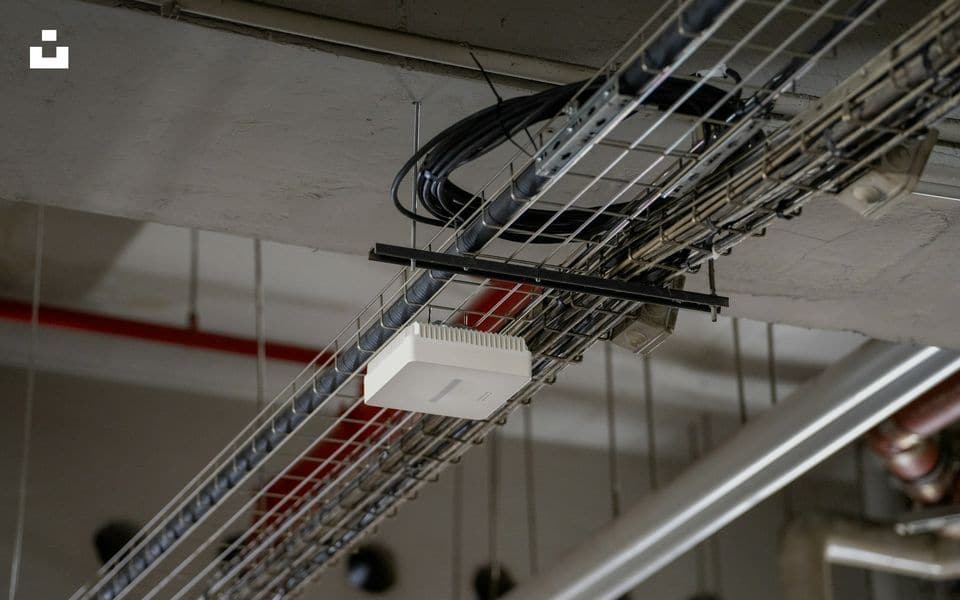
| Network switches | Carry the streams; configured for multicast so each stream is sent only where it is watched |
| Room TV or set-top box | Receives the stream and shows the guest interface, with remote and volume limits set for the property |
| Signage player | Shows lobby, restaurant and corridor screens from the same platform |
Choosing the delivery method
Not every property needs a full IPTV platform. The choice depends on the existing cabling, the size and what guests expect to do with the screen.
| IPTV over the building network | RF over coaxial cable | Casting and streaming apps only | |
|---|---|---|---|
| Best for | New builds, refurbishments and any site with good network cabling | Older sites with coaxial already in every room | Small guesthouses and villas with no live channels |
| Channels | Live channels, on-demand content and interactive menus | Live channels only, no interactivity | None; guests bring their own accounts |
| Cabling | One network cable per room, shared with other services | Coaxial to each room plus amplifiers and splitters | Wi-Fi only |
| Hospitality features | Welcome screen, PMS link, messages, signage | Very limited | Casting only, with a reset at check-out |
| Watch out for | Needs a properly configured multicast network | Signal level and splitter losses limit how far it can grow | Depends entirely on Wi-Fi quality and guests' own subscriptions |
Network planning figures
These are planning values to size the network before the final channel plan is fixed.
- Stream rate: an HD channel is typically in the range of 4 to 8 Mbps depending on encoding, and a 4K stream is several times that. A 100-channel HD line-up therefore puts roughly 400 to 800 Mbps at the headend output, so headend uplinks are planned at 10 Gbps.
- Room ports: only the channel being watched reaches a room under multicast, so a 1 Gbps room port has ample space. Planning one to two streams per room plus on-demand playback is the usual basis.
- Multicast settings: IGMP snooping on every switch and a querier on each VLAN. If streams cross routers, multicast routing is configured and tested between those networks.
- Separation: IPTV runs in its own VLAN with quality-of-service marking, so a large download in the lobby cannot freeze a television.
- Channel change time: a delay of one or two seconds is normal. Longer delays point to encoder or switch settings, and are checked at commissioning.
Integration with the other systems
- PMS: guest name, language and room status flow to the TV, and check-out clears messages, casting sessions and any personal data on the screen.
- Wi-Fi: casting works only on a surveyed wireless network, with guest devices separated from the TV network. See Wi-Fi and wireless links.
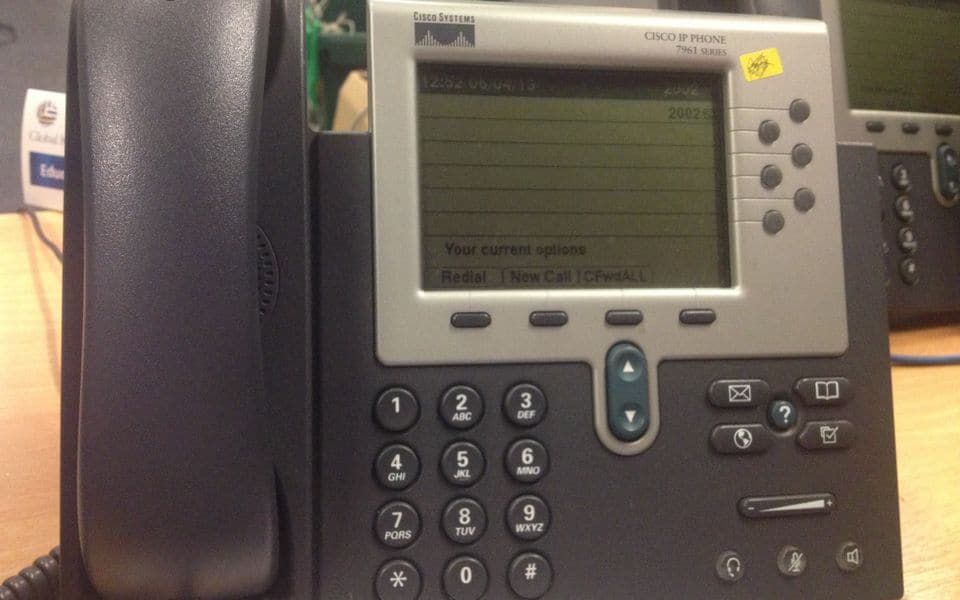
- Telephony: message-waiting and guest-service numbers can appear on the screen, see IP telephony and PBX.
- AV and meeting rooms: conference displays and digital signage can share the same platform, see AV and meeting rooms.
- Public address: lobby music and screens can follow the same schedule, see public address.
- Video surveillance: on request, a camera view such as the entrance can be put on a staff channel, see video surveillance.
- Villas: in larger homes the TV system joins the wider home design, see villa low-current.
- Power: the headend and core switches sit on a UPS, covered under power continuity.
Commissioning and handover checklist
- Every channel is checked for picture, sound and language on a sample of rooms on each floor.
- Multicast is verified at each switch, with no flooding on unrelated ports.
- Channel change time is measured and recorded.
- The PMS link is tested for check-in, room move, language and check-out.
- Casting is tested from different phones and cleared at check-out.
- Remote controls, volume limits, start-up channel and start-up volume match the property standard.
- The headend restarts by itself after a power cut with all services running.
- Handover includes the channel plan, IP and VLAN list, passwords, a backup of the middleware configuration and training for the staff who update content.
Common mistakes and how to avoid them
- Switches left on defaults: multicast floods the network and the TVs freeze. Agree the settings with the network team before installation.
- Channel plan before licensing: check what the property may display publicly, then build the list.
- Casting on the guest Wi-Fi VLAN: devices cannot find the TV, or guests see each other's rooms. Design the separation deliberately.
- Too many headend inputs on one device: when it fails, every channel goes. Spread the load and keep spares ready.
- Nobody owns the content: menus and offers go stale. Decide who updates what, and give them simple access.
- Different TV models per floor: they behave differently and complicate support. Standardise on one model per type of room.
Maintenance and testing
Under a maintenance contract we check the headend inputs and encoder health, review the stream logs, test a sample of rooms every visit and update the channel line-up when a provider changes it. Software updates are applied in a planned window with a rollback copy, never during peak hours. The middleware backup is refreshed after every change, so a failed server can be restored quickly. We also review a few of the rooms with the most complaints, because they often show the real fault: a loose cable, a bad port or an out-of-date TV.
Our part, start to finish
What we do on a IPTV project
We select the equipment to fit your site, not to clear a stock list. We design the system, install and commission it, and keep it working.
Design & consulting
- Channel and service plan
- Headend design
- Multicast network requirements
- PMS and casting integration design
Installation
- Headend and encoder installation
- Network multicast configuration with IT
- TV and STB set-up
- Channel and content testing
Maintenance
- Channel line-up updates
- Headend health checks
- Software updates
- Fault response
Before you buy
Questions to settle first
These decide cost and performance more than the brand on the box. We work through them with you at survey stage.
- Which channels and languages do your guests need?
- Will guests cast from their own devices?
- Does the network team support multicast?
- Which PMS do you use?
- Do you need signage on the same platform?
- Who updates the content?
Frequently asked questions
Do we need an STB in every room?
Not always. Many modern hospitality TVs run the IPTV client themselves. A set-top box is useful for older TVs and where a uniform interface is needed. We confirm this in the design based on the TVs you plan to buy.
Can guests use their own streaming accounts?
Yes, through casting from their devices, or through apps on the TV where it supports them. Accounts and sessions are cleared at check-out so the next guest never sees them.
Why do the channels freeze or pixelate?
Most often because the switches are not set up for multicast, or because the network is congested. Less often it is a weak satellite signal. The cause is found by checking the stream at the headend and then at the room port.
Can we reuse the existing coaxial cabling?
Yes, in some cases. Coaxial can carry the signal for a hybrid or phased approach, but for interactive features and growth, network cabling to each room is the better basis.
Can the system be used in a hospital?
Yes. Patient TV needs simple controls, quiet and accessible operation, and often a link to the bedside unit. We discuss infection-control, cleaning and bedside speaker needs with the hospital team early.
Can we show our own videos and offers on the screens?
Yes. The platform carries your own content such as hotel information, menus and promotions, and the same system feeds signage. A named person in your team updates it through a simple interface.
Gallery
IPTV in context
Illustrations and computer-generated renderings show typical arrangements, not our projects; photographs are credited on the credits page. Select an image to enlarge it.
In Riyadh and across Saudi Arabia
IPTV systems for hotels and hospitals in Riyadh, Jeddah and across Saudi Arabia
IPTV and channel distribution for hotels, hospitals and residential compounds in Riyadh, Jeddah and across Saudi Arabia: guest-room screens, local and international channels, digital signage, running on the data network instead of legacy coaxial.
Common questions
What is the advantage of IPTV over conventional distribution?
It runs on the same data network, allows on-demand content and guest messaging, and manages every screen from one place.
Does it include lobby signage screens?
Yes, managed from the same platform with a content schedule per screen.
Manufacturers
Brands commonly specified in Saudi projects
- Cisco
- Samsung
- LG
- Hikvision
- Enensys
Names belong to their owners. Listing a brand shows the systems we design around; it does not mean a partnership or a dealership.