



SEC-05 · Security & access
Intercom systems in Saudi Arabia, from a single villa to a compound
The visitor presses one button. Behind it: who answers, on which device, how the gate opens, and what happens when nobody is home.
How an intercom system works
A visitor presses a button or searches the directory on an outdoor station. The system looks up who that button belongs to and rings the devices set for that resident or office: an indoor monitor, a mobile app, a desk phone or the guard console. The resident sees the visitor on video, talks, and presses a button to release the door or gate. The system closes the call, logs the release and, where it is linked, tells the access controller or the lift.
Behind that simple moment are four things that must all work: the audio and video path between the station and the answering device, the call rules that choose where the call goes, the door-release path, and the power and network that keep it all available. Most complaints about intercoms are one of these four, so we design and test each separately.
Choosing the architecture
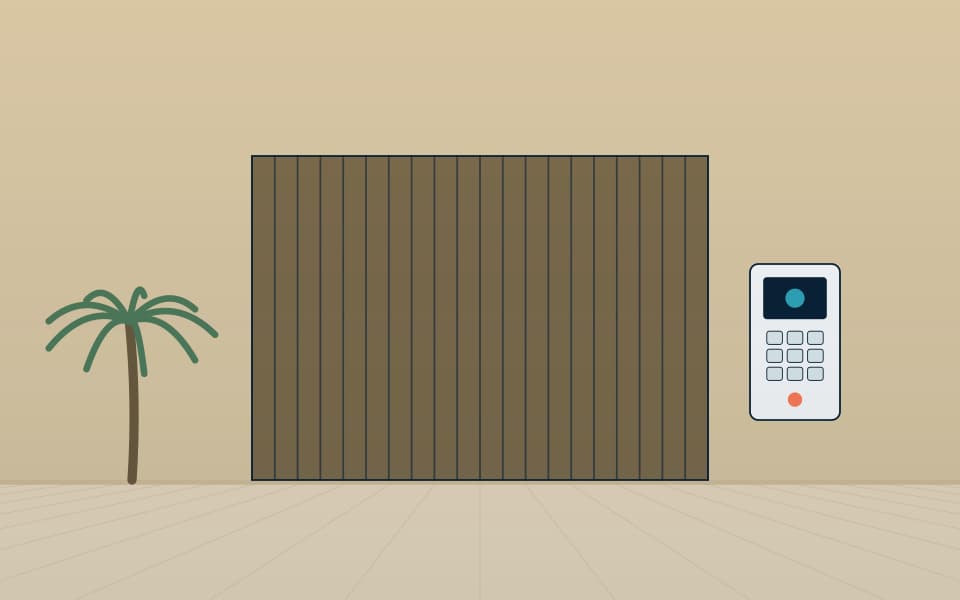
Small villas often suit a two-wire or IP kit with indoor monitors. Towers and compounds need an IP system with a directory, guard stations, call routing rules and integration with access control and lifts. SIP-based intercoms can ring desk phones, mobile apps and the reception console, which removes the need for separate answering devices at every desk.
What we design in detail

- Call routing: who answers first, where calls go after a timeout, out-of-hours routing to security.
- Door release: relay to the lock or to the access controller, with release logged.
- Outdoor stations: placement out of direct sun where possible, camera height suited to the visitor's face, vandal and weather rating.
- Remote answering: app accounts, network routing, and what happens when the internet connection fails.
- Accessibility: induction loop and visual call indication where required.
Main parts and what each does
- Outdoor station: camera, microphone, speaker and call button or keypad, in a vandal-resistant and weather-resistant housing. It is the face of the building, so its position and height matter.
- Indoor monitor or answering device: a wall monitor, a desk phone or a mobile app. A household may have all three.
- Call server or directory: holds the list of residents, units and call rules. In small systems it sits inside a master station; in larger ones it is a SIP server.
- Guard or reception console: answers unanswered calls, calls any station and releases doors.
- Door controller and lock: either a relay in the station or an input on the access controller, with a request-to-exit device on the inside.
- Network and power: PoE switches, cabling, and a battery or UPS so the entrance still works when the lights do not.
Comparing the architecture options
| Two-wire kit | Standalone IP system | SIP system with mobile app | |
|---|---|---|---|
| Best for | One villa, a few indoor monitors | A building or small compound with a few hundred units | Towers, compounds, mixed-use sites with a guard room |
| Cabling | Two conductors from the door to each monitor | Standard network cabling and PoE | Standard network cabling and PoE |
| Remote answering | Limited or an add-on gateway | Usually via the vendor's app | Mobile app, desk phone or PBX extension |
| Integration | Basic door release | Access control and lifts through relays or IP | Access control, lifts, CCTV and telephony |
| Growth | Hard to extend | Add stations on the network | Scales by adding servers and stations |
Open standards matter here. A system built on SIP and ONVIF can have its cameras viewed in a video management system and its calls routed through the building's phone system. A closed system ties the building to one supply chain for the life of the installation.
Integration with other systems
- Access control: the intercom release should pass through the access controller so it is logged with a time and a name, and so a lock is never wired directly from an unprotected relay.
- Entrances and parking: a vehicle station at a barrier calls the guard or the resident, and the release opens the barrier.
- Lifts: after a visitor is admitted, the lift can be sent to the resident's floor. This needs coordination with the lift contractor and a clear definition of the interface.
- CCTV: the outdoor station's camera can be recorded, and a nearby camera can show the approach.
- Telephony: calls can ring on desk phones as extensions of the PBX.
- Smart home: the doorbell can trigger a scene, such as lights on the entrance path. See also the villa low-current guide.
Network and power planning
IP intercoms are light users of the network, but they are sensitive to its quality. Each video call uses roughly 1–4 Mbps depending on the stream settings, which is a planning figure; a few simultaneous calls are no problem for a normal switch, but a poorly planned VLAN or a switch shared with heavy traffic can cause choppy video. We place intercom devices on their own VLAN, apply quality-of-service priority to SIP and audio, and keep the camera stream separate from the recorder network where possible.
Power over Ethernet simplifies installation, but the switch must have enough budget for the stations, locks if they are powered from the station, and any heaters. Outdoor stations should be on a switch with battery or UPS backup, and door locks on a supply that follows the fail-safe or fail-secure rule you have chosen. Remote answering through a mobile app depends on the internet connection at the site; we agree what the call does when the connection fails, normally ringing the indoor monitor and the guard console first.
Commissioning and handover checklist
- Every outdoor station called from every answering device, with audio quality and echo checked in noisy conditions.
- Video checked at the visitor's face height, in direct sun and at night.
- Door and gate release tested, and the release logged with the right user.
- Call routing tested: first answer, timeout, out-of-hours, guard console and mobile.
- Behaviour tested when the internet link, a switch or the mains supply is removed.
- Directory checked against the final resident list, including names, units and extensions.
- Accessibility features tested: induction loop, visual call indication, button heights.
- Credentials, administrator accounts and as-built records handed over, with training for the guards and the property manager.
Common mistakes and how to avoid them
- Outdoor station facing the sun: the camera washes out at the busiest time of day. We check the sun path at survey stage.
- Calls with nowhere to go: a call to an empty villa rings forever. Define the timeout and fallback.
- Lock wired straight from the station relay: it bypasses the logging and the fail-safe rules. Release through a proper controller.
- No directory owner: the list of residents ages quickly. Name the person responsible and agree how changes are made.
- Relying only on the app: if the internet drops, so does remote answering. Keep an indoor monitor or console as the base layer.
- Mixing standards late: choose the call protocol and camera standard before ordering, not after.
Maintenance and testing
Outdoor stations live in sun, dust and humidity. A scheduled visit tests each station's call, audio, video and release, cleans the lens and the speaker grille, checks the seals and fixings, and tests the guard console and the app. We review firmware, backup the configuration, update the directory and check the power supply and battery. Faults are normally either water ingress, a failed power supply or a changed network setting, and the visit finds them before residents do. Our maintenance service covers these tasks.
Our part, start to finish
What we do on a intercom project
We select the equipment to fit your site, not to clear a stock list. We design the system, install and commission it, and keep it working.
Design & consulting
- Call flow and routing design
- Station positions and mounting heights
- Network and SIP integration plan
- Lock and access control interface
Installation
- Station and monitor installation
- Programming of directory and call rules
- App and guard station set-up
- Testing with residents or users
Maintenance
- Function tests of each station
- Firmware updates
- Directory changes
- Fault response
Before you buy
Questions to settle first
These decide cost and performance more than the brand on the box. We work through them with you at survey stage.
- Who answers, and on which devices?
- Should calls reach mobile phones?
- How will the gate or door open, and is it logged?
- What happens during a network or power outage?
- Do you need a guard or reception console?
- Are there residents who need accessible features?
Frequently asked questions
Can residents answer the door from their phones when they are away?
Yes, with a SIP-based or app-enabled system, provided the site has an internet connection. We define which calls reach the phone and what happens when the connection is down.
Do we need new cabling to replace an old intercom?
Not always. We survey what is in place; two-wire cabling can sometimes be reused with an adapter, though an IP system with new network cabling gives more flexibility. The survey tells us which is practical.
How many visitors can the system handle at the same time?
The limit is usually the server and the network design, not the stations. We size the call server for the number of units and the number of simultaneous calls expected at busy times.
Can the intercom open the gate without going through access control?
It can, but we advise against it for anything beyond a villa. A release through the access controller is logged, can follow schedules and can be disabled in an emergency.
What happens during a power cut?
Outdoor stations and the network switch need battery or UPS backup if the entrance must keep working. Locks follow their fail-safe or fail-secure setting. We state the behaviour in the design and test it.
Can a tower use one system for the main entrance, the lobbies and the car park?
Yes. One directory can serve several stations, with different call rules for each entrance, for example the guard first at the main gate and the resident first at the floor lobby.
Works alongside
Related systems
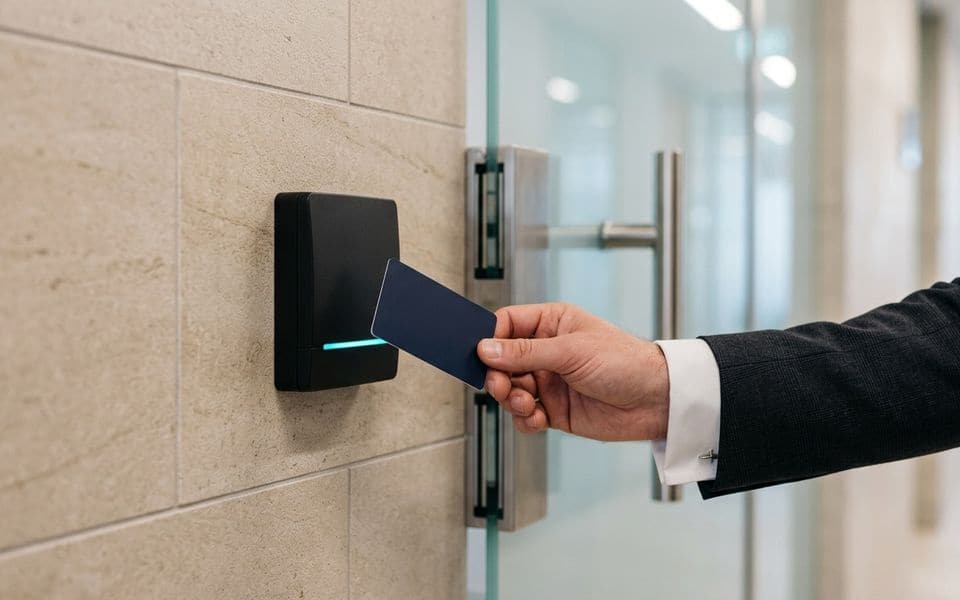
Access control & ID cards
Who goes where, when, with credentials that can't be copied.
Read more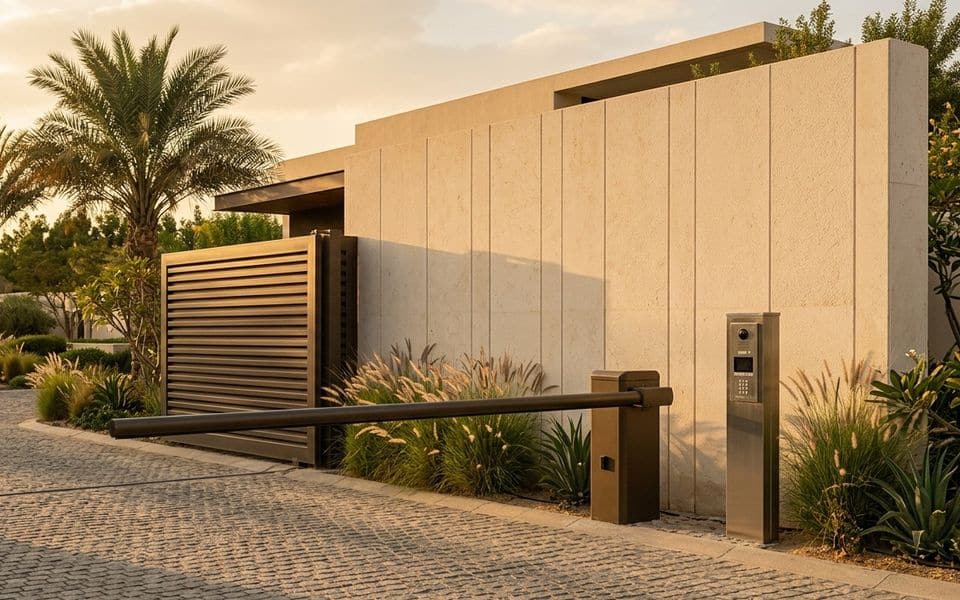
Entrances, barriers & parking
Automatic doors, turnstiles, barriers and ANPR.
Read more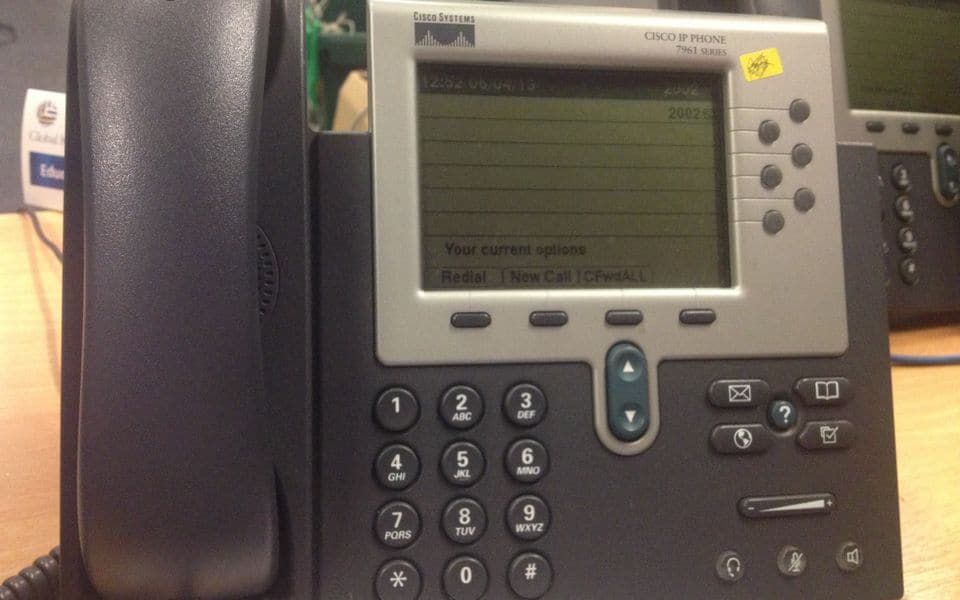
IP telephony & PBX
Phone systems, SIP trunks and hotel integration.
Read moreBLD-07Smart home
KNX, Zigbee and Matter for villas.
Read moreGallery
Intercom in context
Illustrations and computer-generated renderings show typical arrangements, not our projects; photographs are credited on the credits page. Select an image to enlarge it.
In Riyadh and across Saudi Arabia
Video intercom for villas and buildings in Riyadh, Jeddah and across Saudi Arabia
Video intercom and door entry installation for villas, palaces, residential towers and compounds in Riyadh, Jeddah and across Saudi Arabia: a gate station, an indoor monitor or a phone app to answer and open from anywhere, linked to access control and CCTV. We install smart IP intercoms for villas and apartment buildings, answered from a phone and linked to smart locks and gate opening.
Common questions
Can I open the gate from my phone when I am away?
Yes, with an IP intercom and its app, including a record of who called while you were out.
Does intercom suit multi-apartment buildings?
Yes, one entrance station with a monitor or app per apartment, plus codes or cards for residents.
Can I answer the intercom from my phone?
Yes, IP systems send the call to a phone app so you speak to the visitor and open the door from anywhere.
Does the intercom link to a smart lock and the gate?
Yes, through a relay or the access controller, with every opening logged.
Manufacturers
Brands commonly specified in Saudi projects
- 2N
- Akuvox
- Hikvision
- Commax
- Fermax
- Aiphone
Names belong to their owners. Listing a brand shows the systems we design around; it does not mean a partnership or a dealership.